
Systeme.io Integration
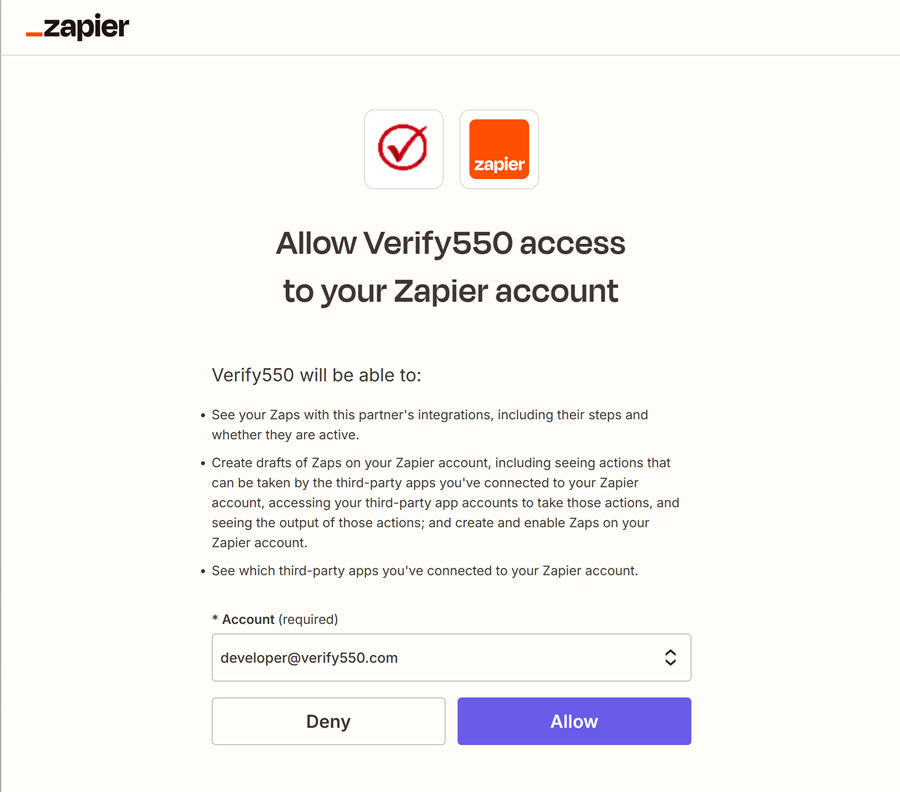
Authorize the integration
Allow Verify550 to securely connect with your Zapier account so Systeme.io can trigger email verifications.
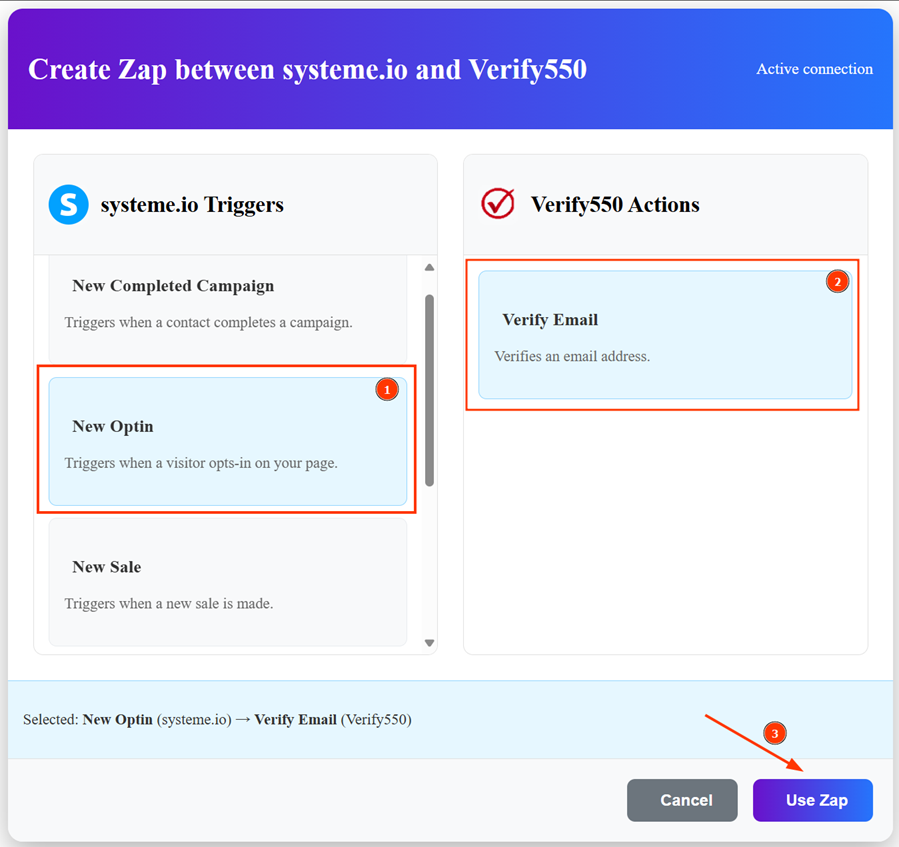
Set up the Zap
Choose a Systeme.io trigger (e.g., New Optin) and link it with the Verify550 action (Verify Email).
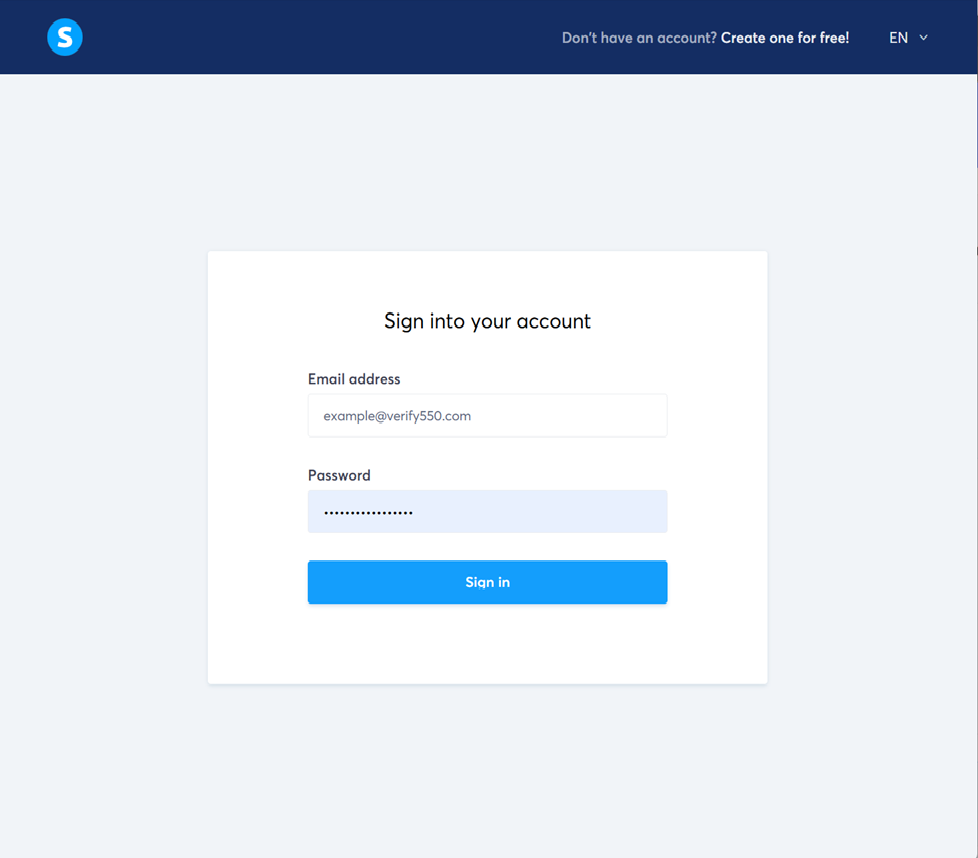
Systeme.io OAuth
Complete the OAuth flow for your Systeme.io account so Zapier can perform the required actions through the app.
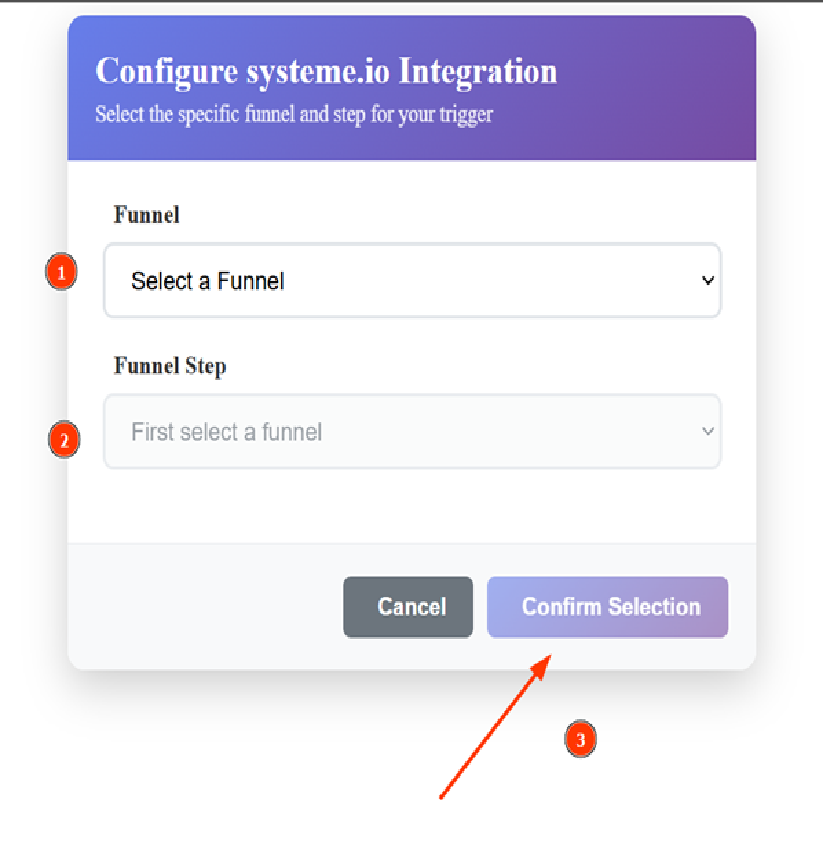
Select the funnel
Complete the form by selecting the information required by the New Optin trigger in the Systeme.io app to finish the integration.
Zap created successfully
Once authenticated, the Zap will be created and ready to validate new Systeme.io contact emails automatically.