
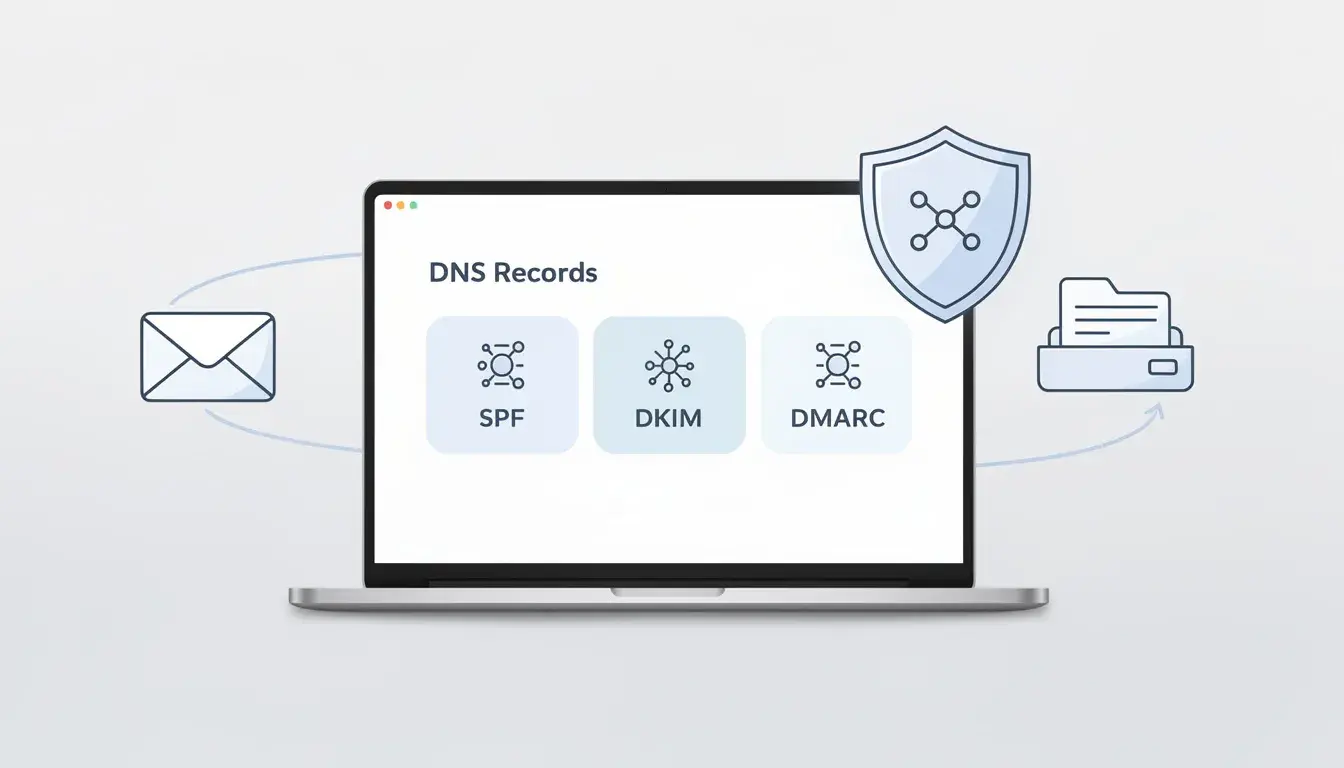
Most email problems do not start in your copy. They start behind the scenes, at the domain level. One week, your campaigns land fine, and the next week, half your messages sit in spam or get rejected. Sound familiar? That is exactly why we need to check email domain health before we blame the subject line.
When we check your email domain, we are verifying that your DNS records back up your identity, your mail flow is clean, and your sending behavior is not quietly damaging your reputation. Once you know what to look for, fixes get fast and predictable.
What “Check Email Domain” Really Tells You
When we check email domain health, we are not doing one quick test and calling it done. We are looking at the signals that decide whether your messages land where you want them to land.
If these signals drift, your email deliverability drops even if your emails look perfectly fine.
The Three Buckets That Decide Email Outcomes
First, we look at authentication. This is how receiving systems confirm your domain is allowed to send.
Next, we look at routing. Your domain needs a clear path so messages do not get mishandled by an email server along the way.
Then we look at reputation. This is the track record your domain builds over time with email providers. If your sending habits trigger complaints or unsubscribes, your future sends get treated with more suspicion.
The Fast Symptoms That Suggest A Domain Issue
You will usually notice it as a placement problem. Messages that used to land in the inbox start landing somewhere else.
You might also see weird patterns in your audience. More bounces, fewer opens, and less consistent delivery across different providers.
Sometimes the red flag is the kind of traffic hitting your lists. If you attract a lot of temporary email addresses, it can distort engagement signals and make your sending look lower quality than it really is.
When we spot these symptoms, we move straight to DNS and verify what your domain is proving about itself.
Start With DNS: The Records That Prove You’re Legit In A DNS Health Check
DNS is where your domain makes its promises. It tells the world which senders are allowed, how messages should be validated, and what to do when something looks off.
A clean setup here saves you hours later, because it turns guesswork into verification.
SPF And DKIM: “Who Can Send” And “Did It Get Altered?”
SPF is basically an allowlist for sending sources. In plain terms, the Sender Policy Framework record tells receivers which ip addresses are permitted to send for your domain.
This is where small mistakes hurt. One extra record, one missing include, and legitimate traffic can fail checks even when you did nothing “wrong.”
DKIM adds integrity. It lets a receiving mail system confirm the message was not changed in transit. Some platforms publish DKIM using a CNAME record, so the key stays managed by your provider instead of sitting as raw text in your zone.
DMARC: The Policy That Stops Spoofing And Gives You Reports From Your DNS Server
DMARC connects the pieces and adds enforcement. Domain-based message authentication is what helps you stop lookalikes and reduce phishing risk tied to your brand name.
It also gives you visibility. Even a basic policy can show you who is sending on your behalf, and who is trying to pretend they are you.
When you run a DNS health check, you are checking for alignment, not just record existence. Most teams assume “it’s published” means “it’s working.” It does not.
The good news is that you can usually tighten this up in just a few clicks once you know what to fix, and your DNS server updates propagate from there.
MX Records And Mail Flow: Where Your Domain Receives Mail Server Traffic
Once we have authentication in place, we check the path your domain uses to receive mail. This is where small routing mistakes create big headaches, especially after you switch tools or migrate providers.
What MX Records Actually Do (And What They Don’t)
MX records tell other systems where to deliver incoming messages for your domain name. They do not control who can send on your behalf, but they can still break real conversations if they point to the wrong place.
For example, if your MX still points to an old provider, some receivers will not accept messages to your addresses. You will see delivery failures and confusing status messages even though everything “looks fine” inside your tool.
Quick MX Sanity Checks You Can Do In Minutes
Use a reliable lookup site, type your domain, and hit enter. Then compare what you see with your current email host.
We look for clean, intentional configuration, not a history of leftovers. If the output does not match your current setup, we correct it and confirm the results are accurate after DNS propagation.
If you also maintain reverse DNS, check the ptr record for your sending infrastructure. It does not fix everything, but it can help your mail flow look more legitimate to stricter networks.
Domain Reputation: The Stuff DNS Can’t Fix By Itself
DNS can prove identity, but it cannot guarantee trust. Trust is earned by how you send, who you send to, and how people react.
This is why we always pair technical checks with a behavior check.
The Metrics That Quietly Drag You Into Spam
If your recipients stop engaging, mailbox systems get cautious. A spam filter is not judging your intentions. It is judging patterns.
Pay attention to list quality and intent. If your contact list is old, scraped, or bought, your performance will slide. Even a single compromised account can trigger sudden spikes that hurt your reputation fast.
We also keep one practical rule in mind. If your process does not look professional in an audit, it will not age well in the inbox.
How To Separate A Reputation Problem From A Setup Problem
Setup problems usually show up instantly after a change. Reputation problems usually show up gradually, even when nothing obvious changed.
When we diagnose, we start with clear questions and chase real signals:
- Which campaigns caused the shift, and what changed in your sending?
- Did a new tool start sending without proper authorization?
- Are you meeting basic compliance expectations for consent and opt-outs?
If you want a simple answer, here it is: reputation issues come from what you do repeatedly, and setup issues come from what you misconfigured once. Both matter, and both are fixable when we review them in the right order.
Blacklists, Blocks, And “Why Are We Suddenly Rejected?”
When delivery breaks overnight, it often feels personal. Your emails look normal, your team did nothing “spammy,” and yet messages get blocked. This is usually a trust issue, not a content issue.
We treat it like a diagnosis. We confirm what is happening, then we fix the cause before we chase removals.
Domain Vs IP Blacklists (And Why The Fix Is Different)
Some blocks target your domain reputation. Others target the infrastructure that a mail server uses to send on your behalf. The fix depends on what appears in the listing and where the block is being enforced.
If only one provider is rejecting you, look at patterns. Yahoo might respond differently from another network, especially if they see unusual sending behavior or poor list hygiene.
Also, remember this. A listing can be triggered by your own send, or by someone spoofing your identity. Either way, we still need to prove your domain is protected with the right authentication and sending controls.
A Clean Removal Plan That Doesn’t Cause Repeat Problems
Start with proof, not assumptions. We gather the exact rejection reason, then we run focused checks to confirm the real source.
From there, we take a simple path:
- Identify which system is sending, and confirm it is a valid part of your stack.
- Fix the root issue before requesting delisting, even if you are in a hurry to send the email again.
- Document what changed, so the same mistake does not return next month.
If you work with outside services, do not rely on vague promises. Ask them to show what they changed and refer to the evidence. If the process is not measurable, it is not reliable.
A “Check Email Domain” Checklist You Can Reuse
You do not need a huge toolset to stay ahead of domain problems. You need a repeatable routine that you can run whenever something changes.
Treat it like maintenance. We do it before launches, after migrations, and anytime deliverability shifts.
The 10-Minute Baseline Check
We begin with the basics and confirm they are still true today.
Check your authentication records, confirm your sending sources, and make sure your receiving setup matches reality. Then confirm your domain is not being abused by unknown senders.
If your platform provides a dashboard, use it, but do not stop there. Many tools display “pass” while alignment or enforcement is still weak.
Troubleshooting Flow When Something Fails
When a check fails, we do not panic and start changing everything. We isolate the break and fix one thing at a time.
We also keep a simple habit. After every change, we conduct one more verification pass and record the outcome. That way, you do not end up in a loop where you keep “fixing” what was never broken.
If you want to go deeper, we can extend this checklist into a simple tracking form your team can use during deployments, vendor changes, or incident response.