

Clean Your Database in Minutes with an Email List Scrubber
Remove invalid emails, spam traps, disposable addresses, and other risky contacts before your next send. Scrub your list fast, reduce bounce rates, and protect deliverability with smarter email verification.
Benefits of an email list scrubber:
✔ Reduce bounce rates before they hurt performance
✔ Protect sender reputation and inbox placement
✔ Remove invalid, disposable, and risky email addresses
✔ Send with more confidence using a cleaner list
👉 Upload Your Email List for a Free Evaluation
What Is an Email List Scrubber?
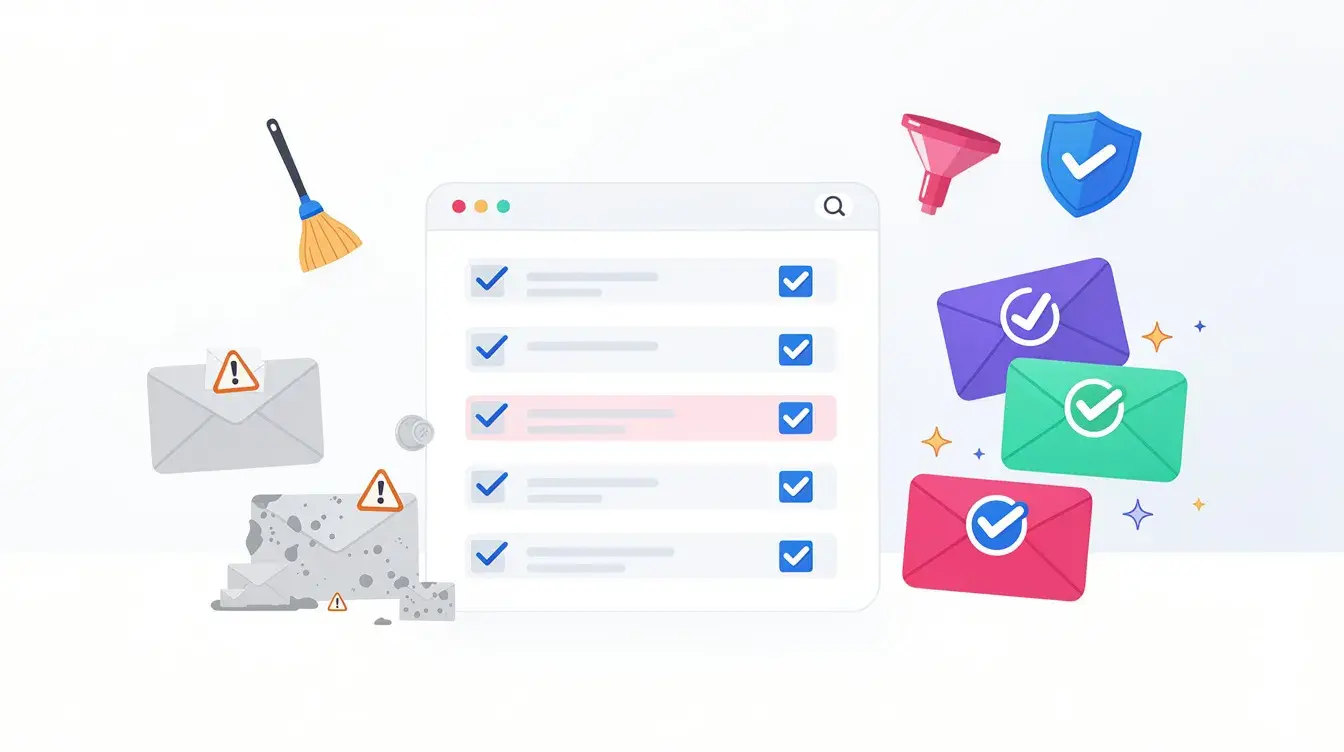 An email list scrubber is a tool that checks your database for contacts that are likely to hurt campaign performance. That may include invalid addresses, fake signups, disposable emails, litigators, spam traps and other risky records that can lead to bounces and weaker deliverability.
The purpose of scrubbing an email list is simple: make sure you are sending to real, reachable inboxes instead of wasting time and money sending to bad data. As lists age, they naturally accumulate abandoned accounts, outdated addresses, and low-quality contacts. If those records are ignored, bounce rates rise, sender reputation weakens, and more messages start landing in spam instead of the inbox.
A good scrubber goes beyond a basic check. It helps identify harmful records before they damage your results, giving you a cleaner list and a better foundation for every campaign you send. That matters whether you are preparing for a large one-time blast or managing ongoing email marketing at scale.
You may hear this process described in different ways… email list cleaning, email verification, or email validation, but the goal is the same: to remove risky contacts, protect deliverability, and keep your list healthy over time.
Why Email Lists Need Scrubbing
Email lists naturally degrade over time.
Even if your database started clean, it won’t stay that way for long. People abandon old inboxes, switch jobs, shut down domains, or submit throwaway addresses to access an offer.
Common reasons lists go bad include the following:
- People abandoning email accounts
- Job changes and company turnover
- Closed or inactive domains
- Fake signup submissions
- Disposable email addresses
Industry research commonly puts annual email list decay at roughly 20–30% per year. That means a list that looked healthy a few months ago may already contain a growing number of bad or risky contacts.
Without regular list scrubbing, that decline can lead to the following:
- Higher bounce rates
- More messages landing in the spam folder
- Weaker sender reputation
- Lower engagement from real subscribers
And once those problems build up, they start affecting more than just one campaign. Poor list quality can drag down deliverability across future sends, distort performance data, and make it harder to reach the inbox consistently.
Scrubbing helps stop that damage early. It removes weak records before they hurt results, protects your deliverability, and keeps your list healthier over time.
What an Email List Scrubber Removes
A good email list scrubber does more than remove obvious bad records. It helps identify the contacts most likely to create deliverability issues, hurt engagement, or weaken your sending reputation over time. The goal is not just to shrink a list — but to build a cleaner, safer database you can send to with more confidence.
Invalid Email Addresses
Some contacts are simply undeliverable. These are invalid email addresses that cannot receive mail because the mailbox does not exist, the domain is broken, or the server rejects the address outright.
Common examples include:
- nonexistent mailboxes
- inactive or misspelled domains
- addresses with formatting or syntax errors
- accounts that fail basic checks for domain validity or mailbox existence
These records are some of the most dangerous to keep because they lead directly to hard bounces and bounced email addresses, especially during larger sends.
Disposable and Temporary Email Addresses
Many lists also collect temporary email addresses and other throwaway accounts created just to access an offer, download a lead magnet, or funnel hack your offer. These contacts rarely become valuable email subscribers, and they often create noise inside your database.
Removing them helps you:
- reduce low-intent signups
- improve overall list quality
- avoid wasting sends on contacts unlikely to engage
This is especially important for businesses that attract a high volume of new users through forms, promotions, or gated content.
Spam Trap Emails
Some addresses are risky even if they appear valid on the surface. That is where spam trap detection becomes important. Spam traps are used to catch senders with poor list hygiene, and mailing them can lead to serious deliverability damage.
Sending these records can contribute to:
- Higher filtering by inbox providers
- More spam complaints
- Blacklisting risk
- Weaker inbox placement and long-term reputation issues
Role-Based Addresses
Many scrubbers also flag role-based addresses, such as
- info@
- support@
- admin@
- sales@
These inboxes are not always harmful, but they often generate lower engagement and can distort your campaign data. Some b2b marketers keep them, while others remove them as part of a stricter cleaning process.
Typos, Catch-Alls, and Other Risky Records
Not every risky address is completely invalid. Some look real but still create problems. That can include typo domains, suspicious entries, and catch-all domains that accept mail for nearly any address. These records are harder to evaluate with basic verification, which is why better email verification tools go deeper.
An email list scrubber removes the contacts most likely to hurt performance — and helps you keep more of the valid emails that actually support a healthier, more engaged list.
How Email List Scrubbing Works

Scrubbing an email list should not feel complicated. The best tools make the process simple on the surface while doing much deeper analysis behind the scenes. The goal is to turn a messy database into a clean email list you can use with more confidence before your next send.
1. Upload Your List
The process starts with your file. Most businesses upload a database in common formats such as CSV or TXT whether the list came from an email marketing platform, a CRM, lead forms, or other marketing platforms.
This is often the point where hidden problems start to show up. A list may look healthy in your system, but once it is scanned, you may find outdated records, low-quality contacts, and addresses that were never worth mailing in the first place.
2. Each Address Is Verified
Once the file is uploaded, Verify550 checks each contact through a layered validation process. A strong email verification service does more than confirm formatting. It evaluates whether an address appears real, reachable, and safe to keep.
That can include checks for:
- Invalid or suspicious formatting
- Domain and mailbox behavior
- Risky patterns linked to low-quality signups
- Disposable or fake records
- Signs that help explain why emails bounce
More advanced systems may also support real-time verification APIs for forms and automated workflows, helping businesses stop bad records before they ever enter the database.
3. Review the Results and Clean the List
After the scan, results are usually grouped into categories such as valid, invalid, risky, and unknown. That gives you actionable insights instead of guesswork.
You can then make more informed decisions about who to mail, who to suppress, and which contacts may belong in a future re-engagement campaign rather than your next major send.
List scrubbing is about replacing uncertainty with cleaner data, better decisions, and a stronger foundation for future email campaigns.
Benefits of Using an Email List Scrubber
A good scrubber does more than remove bad records. It improves the quality of your database, protects performance, and gives you a stronger foundation for every send. Whether you are preparing for a major campaign or doing frequent list cleaning as part of your email marketing strategy, the payoff is easy to see.
Reduce Bounce Rates
When bad addresses stay on your list, delivery failures add up fast. Scrubbing removes the contacts most likely to bounce, which helps you avoid unnecessary sending problems and keeps your list in better shape before launch.
Protect Sender Reputation
Email service providers and mailbox systems pay close attention to bounce patterns and list quality. A cleaner database helps protect your sending reputation, which gives future sends a better chance of reaching the inbox instead of getting filtered.
Improve Email Deliverability
This is one of the biggest reasons businesses scrub their lists in the first place. Better data leads to stronger email deliverability, healthier inbox placement rates, and fewer surprises after you hit send. A clean list gives your messages a better chance to reach the people who actually matter.
Increase Campaign Performance
Sending to better contacts improves more than delivery. It can also lift click-through rates, strengthen overall email marketing performance, and make your results easier to trust. Instead of inflating your list with weak or unreachable records, you focus more of your volume on real, potentially engaged subscribers.
Lower Email Marketing Costs
Many platforms charge based on list size or usage. Removing low-value records means you stop paying to send to contacts who were never likely to engage. That matters even more for teams managing large databases or regular email marketing campaigns.
Get Cleaner Data and Better Decisions
A scrubbed list gives you more reliable email metrics and a clearer picture of who is active, inactive, or worth targeting again later. That makes it easier to separate healthy segments from inactive subscribers and unengaged subscribers, which leads to better targeting and smarter decisions.
List scrubbing helps you send to fewer bad contacts, reach more real ones, and get more value from every campaign. To see if your list has any hidden issues, you can run a free initial scan here.
Example: Email List Before and After Scrubbing
Here’s what list scrubbing can look like in practice.
Before scrubbing:
A business prepares to send a campaign to 100,000 contacts. On the surface, the list looks usable — but once it is scanned, serious quality issues appear:
- 7% invalid addresses
- 3% disposable or low-intent emails
- 2% risky contacts
That adds up to 12,000 problematic records sitting inside the database.
If that list is mailed as-is, the likely outcome is predictable: more bounces, weaker engagement, and unnecessary pressure on deliverability. It also means paying to send to contacts that should have been removed before launch.
After scrubbing:
The bad records are removed, and only safer, verified contacts remain.
The result:
- lower bounce rates
- improved deliverability
- stronger engagement
- cleaner data for future campaigns
That is the real value of scrubbing: fewer hidden problems, better list quality, and more confidence before you send. We offer a free list analysis to find potential issues here.
When Should You Scrub an Email List?
List scrubbing is not something you do once and forget. Email data changes constantly, which means even a healthy database can decline faster than most teams expect. If you want to protect deliverability and keep your list usable, scrubbing should be part of regular list maintenance.
The best times to scrub a list are:
- Before a major campaign
If you are preparing for a big send, scrubbing helps reduce bounce spikes and lowers the risk of deliverability issues right when the stakes are highest. - After importing new leads
New records often include typos, fake signups, and low-quality contacts. Cleaning them early keeps bad data from spreading through your system. - As part of ongoing maintenance
For most businesses, scrubbing every 3 to 6 months is a smart baseline. If you collect leads aggressively, manage large databases, or rely on bulk lists, you may need more frequent cleaning. - When list quality starts slipping
If engagement drops, bounce rates rise, or your results feel less reliable, the list may be the problem.
Many teams also pair regular scrubbing with real-time validation on signup forms so bad contacts never enter the database in the first place. That combination keeps your list cleaner, healthier, and easier to trust over time.
Try Verify550’s Free Email List Scrubber
Before you pay to clean an entire database, it helps to see what is actually inside your list. Verify550 gives you a fast, practical way to start with a free list analysis, so you can spot weak records before they damage your next campaign.
Our email list cleaning service scans for common problems such as invalid contacts, fake email addresses, disposable accounts, and other records that can quietly hurt deliverability. It is an easy way to preview how bulk email verification can improve list quality before you commit to a larger cleanup.
With a free scan, you can:
- Detect bad and risky addresses early
- Reduce bounce-related problems before sending
- See whether your list needs deeper cleaning
- Make smarter decisions before a full verification run
If you need to go further, Verify550 also supports larger workflows with flexible scaling, a real time api, and useful integration options.
Frequently Asked Questions
What does it mean to scrub an email list?
Scrubbing an email list means removing contacts that are likely to hurt deliverability or campaign performance. That usually includes invalid addresses, risky records, typo emails, disposable accounts, and other contacts that should not stay on an active list. In simple terms, a scrubber validates emails so you can send cleaner data.
Is email scrubbing the same as email verification?
Yes. In most cases, email scrubbing, list cleaning, and verification all refer to the same process. Different tools may describe it differently, but the goal is the same: check each address, remove harmful records, and keep only safer contacts. A strong platform not only verifies emails but also helps you understand which contacts may still create risk.
How often should email lists be scrubbed?
For most businesses, every 2 to 6 months is a solid baseline for an active list. You may want to scrub more often if you collect leads aggressively, run frequent campaigns, or depend on older databases. If your list changes quickly, regular or even automated cleaning can help prevent bad records from building up.
Can email scrubbing remove spam traps?
No tool can promise to identify every spam trap directly, but a good scrubber removes many of the warning signs that often point to spam-trap risk. That includes low-quality signups, invalid records, disposable accounts, typo domains, and other harmful patterns associated with poor list hygiene. Verify550 is the nest in the industry at removing spam traps. You can test us against any other platform and we guarantee we will find more.
Is email list scrubbing safe?
Yes — when you use a reputable platform. A good list scrubber checks addresses without sending messages and should handle your data responsibly throughout the process. That makes data privacy and secure processing important factors when choosing a provider.
Will scrubbing improve campaign performance?
In most cases, yes. A cleaner list usually means fewer bounces, stronger deliverability, and more reliable engagement data. It can also help you make better decisions about who should stay on your active list and who may belong in a separate re-engagement segment instead.
Scrub Your List Before It Hurts Your Next Campaign
Bad data quietly damages results long before most teams realize what is happening. A few thousand weak records can mean more bounces, weaker inbox placement, and a sender reputation that gets harder to recover with every send.
Email list scrubbing helps you fix that before it becomes expensive. By removing invalid and risky contacts, you protect deliverability, improve list quality, and give every campaign a better chance to reach real inboxes. Whether you are preparing for email marketing, newsletters, or cold email outreach, cleaner data gives you a stronger foundation.