
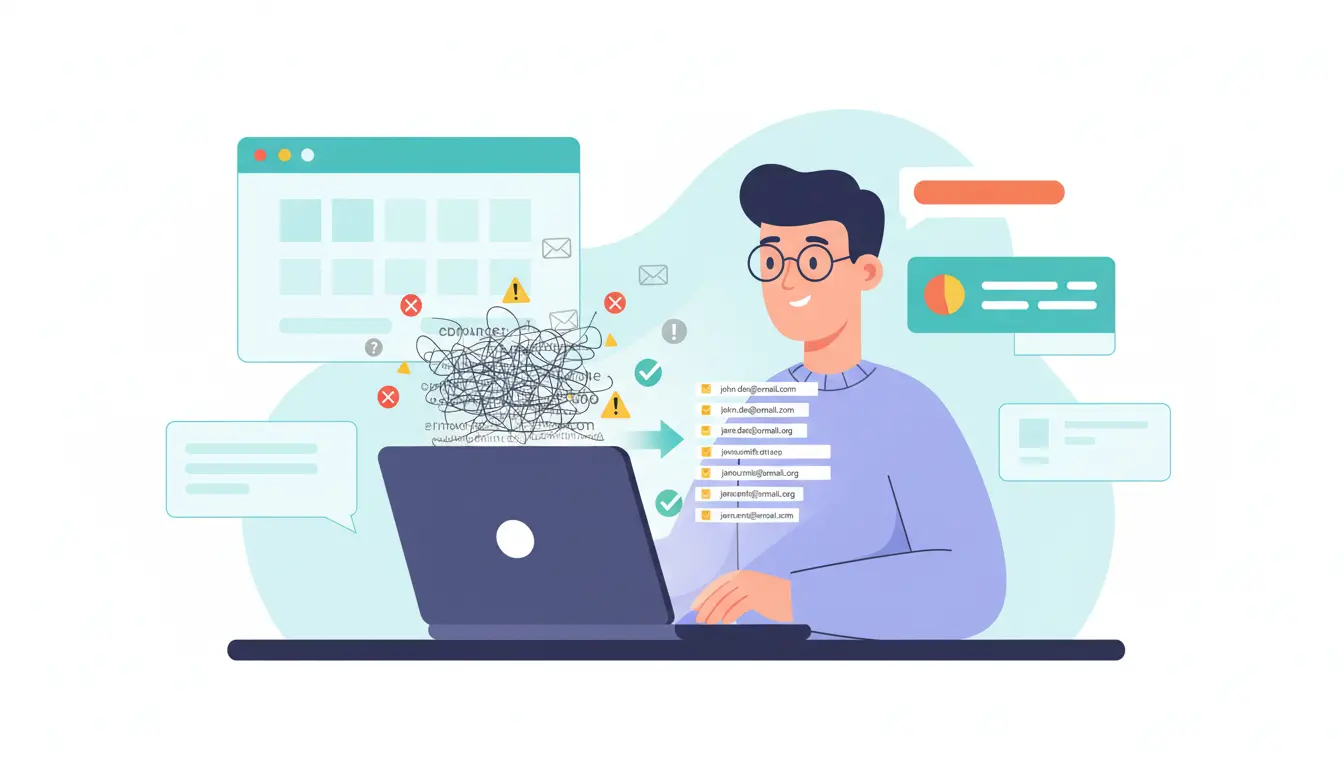
You bought an email list because you want results fast. More leads. More replies. More revenue. But if you send to that list as it is, you risk wrecking your domain, annoying people, and feeding spam filters instead of your pipeline.
We know you cannot afford that. In this guide, we will treat your bought list like a risky asset that needs careful handling. We’ll walk you through how to clean it properly, protect your sender reputation, and test it in a smart way so you can keep what actually works and safely ditch the rest.
What You’re Really Getting When You Buy An Email List
Before you touch that spreadsheet, it helps to be honest about what you actually bought. It is rarely the clean, targeted audience the salesperson promised you.
When you buy a list, you are usually getting data that has been collected over years from many different places. Think trade shows, scraped websites, partner databases, and old campaigns stitched together.
That means you are not looking at one clean, consistent source. You are looking at a patchwork of formats, timeframes, and data quality. Some contacts may be fresh. Others may not have used that email address for years.
Why Purchased Lists Are Almost Never Truly Send-Ready
List vendors tend to focus on volume, not on how much risk you take when you start sending.
They may check if an email looks technically valid, but that is very different from someone being real, active, and remotely interested in hearing from you.
You often get:
- People who never heard of you
- People who changed jobs and companies
- People who signed up for something else entirely
None of that shows in the CSV at first glance, which is why you need to treat every bought list as untrusted data.
What’s Hiding Inside That File You Just Downloaded
Inside that file, there are usually several types of landmines.
You will find hard bounces where the mailbox no longer exists. You will see role accounts like info@ or sales@ that go to shared inboxes and trigger more complaints. Mixed in, there can be spam traps that exist only to catch senders using bad data.
You may also see mismatched records, like junior roles labeled as decision makers or contacts from industries you never sell to.
Until you surface and handle these issues, you have no idea whether the list holds any real opportunity for you.
Why Cleaning A Bought List Is No Longer Optional
Once you understand what you are really holding, the next question is simple. Is it safe to send anything to this list in its current state? The short answer is no.
Mailbox providers watch how you behave. Every email you send teaches them whether to trust or avoid your emails in the future.
If you hit a lot of dead addresses, you look careless. If enough people mark you as spam, you look untrustworthy. Over time, this pattern trains filters to push your messages out of the inbox, even for people who actually want to hear from you.
How A Dirty List Quietly Damages Your Sending Power
A messy list tends to create the worst possible mix.
You get high bounce rates from invalid addresses. You get low opens because the people on the list never asked for your content. You get spam complaints from annoyed recipients who feel blindsided.
All of that feeds into your sender reputation. Once that reputation drops, even your warm, opt-in audience starts to suffer. You work harder, send more, and see less.
The Bigger Picture: Laws, Expectations, And Brand Trust
On top of deliverability, there is the human and legal side.
In many regions, people expect clear consent and easy opt-outs. Even where the rules are looser, blasting strangers without cleaning your data first feels lazy and inconsiderate.
Cleaning helps you reduce the number of unwanted contacts you hit. It makes it easier to send fewer, more relevant emails. That does not just keep you safer. It also shows people that you respect their inbox, which is the real foundation for any long-term email strategy.
How To Clean A Purchased Email List The Right Way
You have the file now. The goal is to turn it from a risky dump of addresses into something you can actually trust. Think of this as triage. We clean, sort, and only then think about sending.
Step 1: Get Your List Into A Usable, Consistent Format
Start by pulling everything into one place. If the vendor sent you several bulk lists from different sources, merge them into a single master sheet.
Create clear columns for email, name, company, country, and any fields that matter to your lead generation goals. Fix obvious formatting issues like extra spaces or mixed casing in domains.
Treat this as basic data hygiene that supports every later step. The more consistent your structure is, the easier it becomes to filter, segment, and make smart decisions later.
Step 2: Run Basic Manual Checks Before Any Tools
Next, strip out the obvious problems by hand. Use simple filters to catch obvious typos and invalid email addresses before you pay for any tool.
Look for:
- Rows where the email field is empty
- Addresses without an @ symbol or a proper domain
- TLD mistakes like .cmo instead of .com
Spreadsheet formulas and basic free tools are enough for this first pass. The goal is to remove bad emails that would never work, no matter how strong your offer is.
Step 3: Strip Out High-Risk Address Types Early
Once the worst of the mess is gone, remove patterns that tend to cause trouble.
Filter out:
- Role accounts like info@, admin@, or support@
- Disposable emails from one-time inbox services
- Domains that look like catch-all setups, where the server says yes, then lets emails bounce quietly later
You are not shrinking opportunity here. You are removing invalid risk that only drags down your results.
Step 4: Use A Proper Email Verification And Cleaning Pass
Now it is time to bring in specialist help. Run the file through reputable email verification services that can process the whole list in one go.
Use bulk email verification so you can upload the cleaned spreadsheet, select your options, and let the system work through each address. Many tools add an email scoring value that ranks how risky a contact is.
Treat the output as risk labels for email deliverability. You want a higher share of safe records so more of your messages reach real mailboxes and fewer vanish into filters.
Step 5: Document Your Cleaning Decisions
Finally, write down what you did. Keep a short note on the rules you used to create a clean email list and the filters you applied at each stage.
Also note which other tools you used along the way. This simple habit saves time the next time you import data and keeps future cleanups consistent for you and your team.
Separating High-Risk Contacts From Safe-To-Test Emails
Once the list is cleaned, you still should not treat every contact the same way. Some addresses are safer and more promising than others. Now we sort by risk and fit.
Create Clear Risk Buckets For Your Contacts
Your cleaned file now contains a mix of valid emails, questionable records, and clear non-starters. Turn that into three simple buckets.
Low risk should look like high-quality contacts who match your ideal customer profile and have passed checks. High risk is where you park invalid emails, suspicious patterns, and anything the tool flagged as very weak. Medium sits in the middle for later review.
Think of this setup as a simple traffic light that protects long-term list health. It shows you where to focus and what to leave alone.
Decide Which Email Addresses Get In Your Email Campaigns
When you start cold email outreach, resist the temptation to blast everyone. Begin with the lowest risk group that looks most like real potential customers.
Treat this as your shortlist for new leads. As you send, track engagement metrics such as opens and clicks, not only replies.
Watch engagement rates after each small email campaign. Any contact that never reacts should not keep filling recipients’ inboxes in every campaign. Give them a chance in more targeted marketing campaigns later or remove them from future emails altogether.
How To Warm Up And Test A Cleaned List Safely
When you start sending emails to a cleaned segment, your goal is simple. You want your message to reach a real person and avoid the spam folder so you can protect your email marketing efforts. Focus on small sends first so you can spot deliverability issues early. Many email marketers run light inbox placement testing inside major email marketing platforms, especially when mixing cold outreach with warmer sequences. If your email landing patterns look unstable, check your email content and consider tools that include basic DMARC monitoring.
As performance improves, move the most active subscribers into your main email marketing platform and leave inactive subscribers out of the next campaign. This helps reduce costs and keeps inbox placement strong. If someone never engages, send one final email or a polite goodbye email before removing them. You can keep an email finder on standby for future sourcing, but only target the right person based on clear intent and other criteria.
Staying Compliant And Respecting People’s Inboxes
You also need to respect how people want to receive email. Most email service providers expect you to follow basic consent rules, use clear unsubscribe links, and avoid overwhelming anyone’s full inbox. Wherever possible, move toward a double opt-in flow for new contacts you decide to keep from a bought list. It sets a higher standard and shows people that they stay in control.
For the segment you already have, keep a close eye on unengaged subscribers. Run gentle re-engagement campaigns, then remove those who still never respond so you protect conversion rates and reputation. A good way to manage this is to pair the best email verification service you can afford with careful segmentation. You might start with a free account that gives you a small pool of verification credits, then upgrade if it fits your budget. Just make sure you understand any limited features so you stay compliant while you clean and mail.
Clean Bought Email List Before You Hit Send
You bought this list to create opportunities, not problems for your domain or your brand.
When you slow down, clean the file properly, and start with small, careful sends, you get something priceless. You see which contacts are real, which ones care, and which ones belong in the bin.
If a small, engaged slice emerges, you keep it and treat it like gold. If the results stay weak and risky, you walk away with your reputation intact.
Either way, you stay in control and give your future email strategy a better starting point. That is how you make this asset work.