
Mailchimp Integration
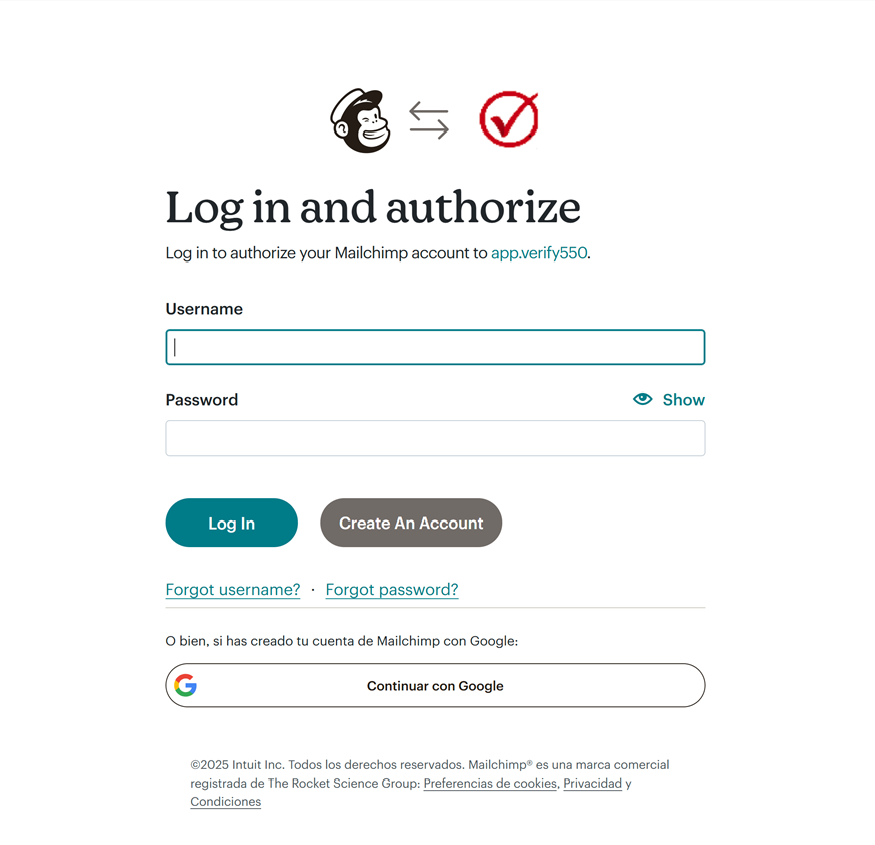
Log in to Mailchimp
Access your Mailchimp account using your username and password, or log in with Google.
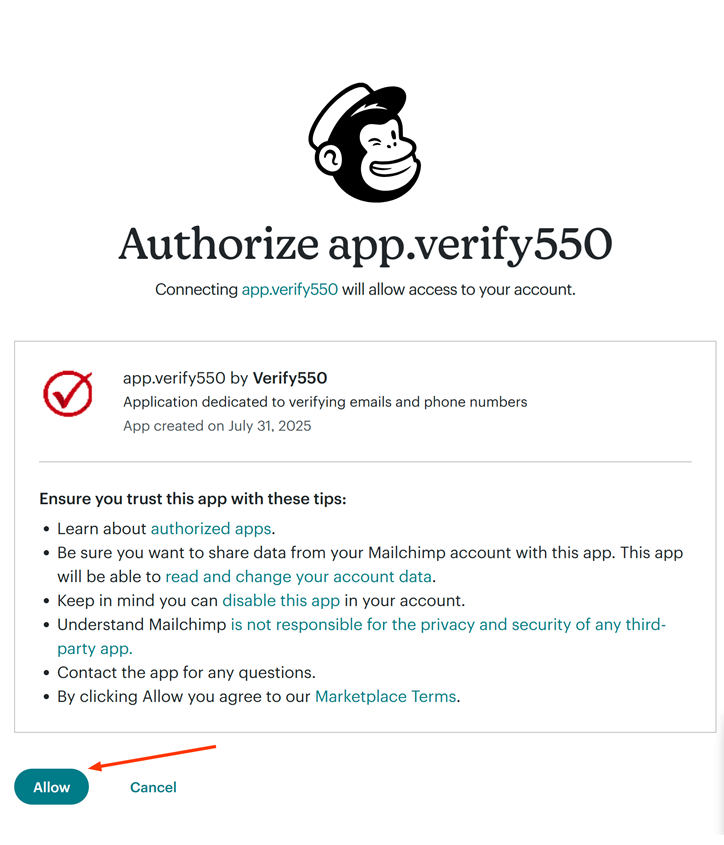
Authorize the integration
Grant Verify550 secure permission to access your Mailchimp account and audiences.
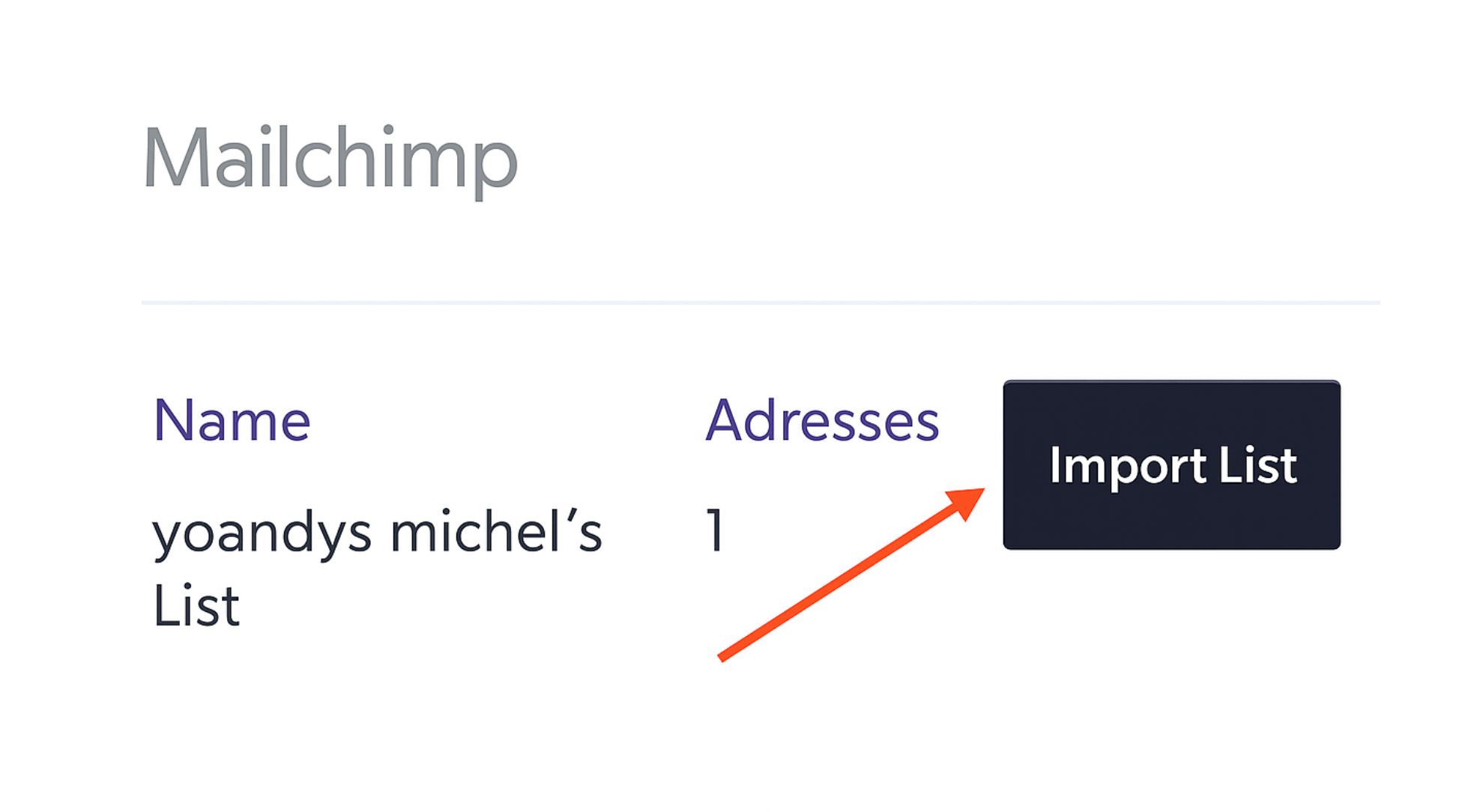
Import your audience
Select the Mailchimp list you want to validate and import it into Verify550.

Run verification
Run the verification process to detect risky, disposable, or duplicate emails before sending campaigns.