
Salesforce Integration
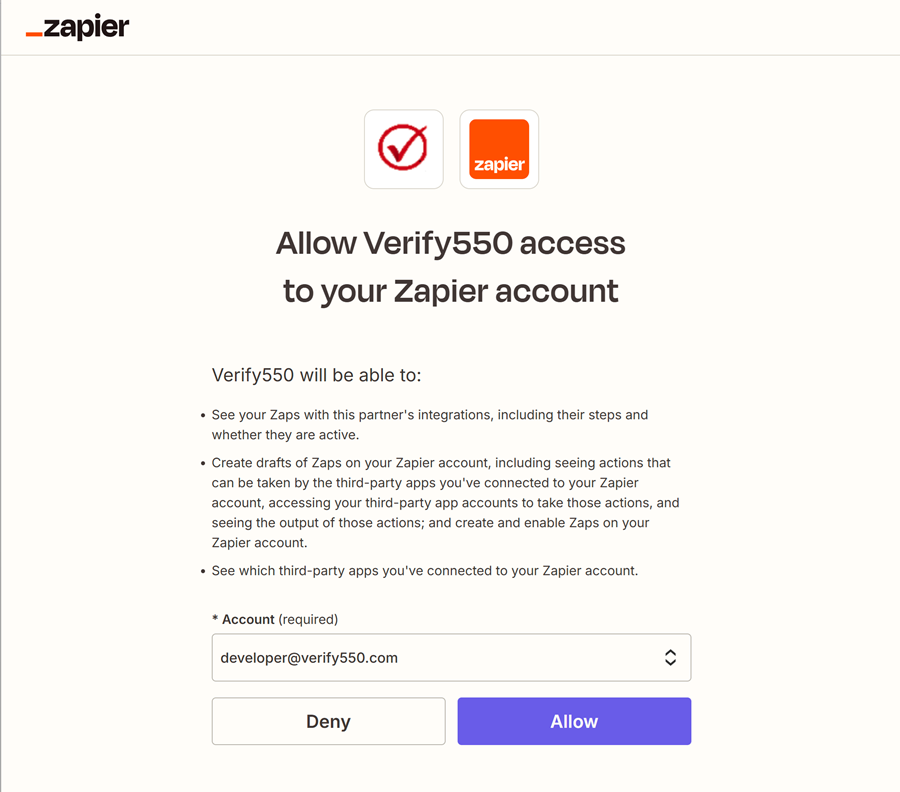
Authorize in Zapier
Allow Verify550 to access your Zapier account so it can integrate with Salesforce.
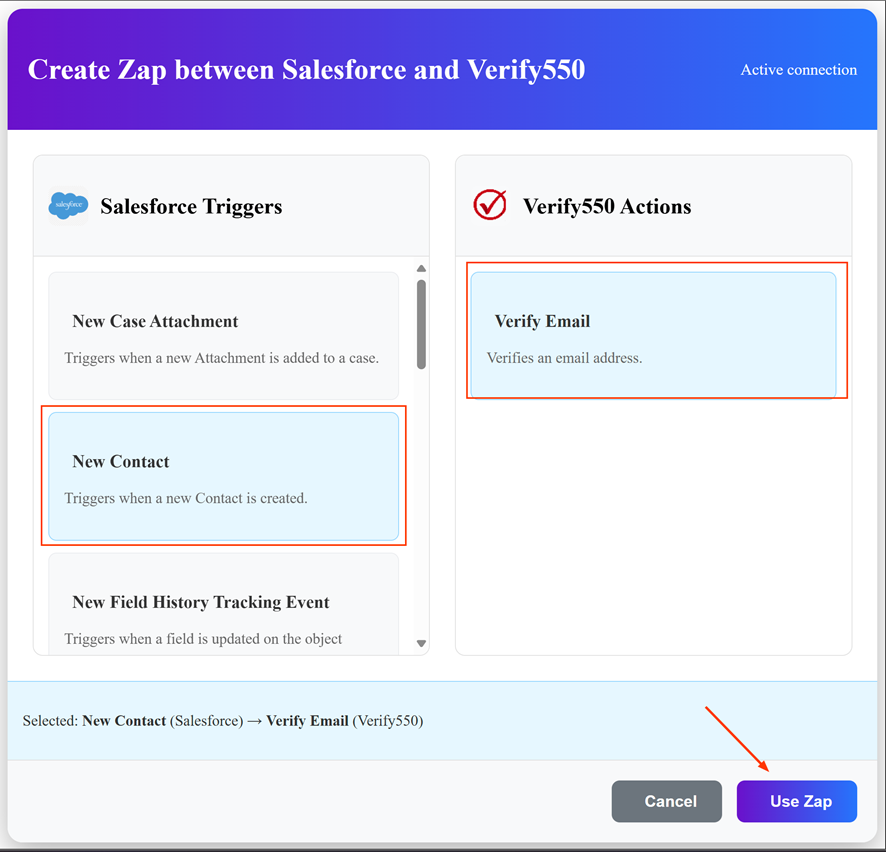
Set up the Zap
Choose a Salesforce trigger (e.g., New Contact) and connect it with the Verify550 action (Verify Email).
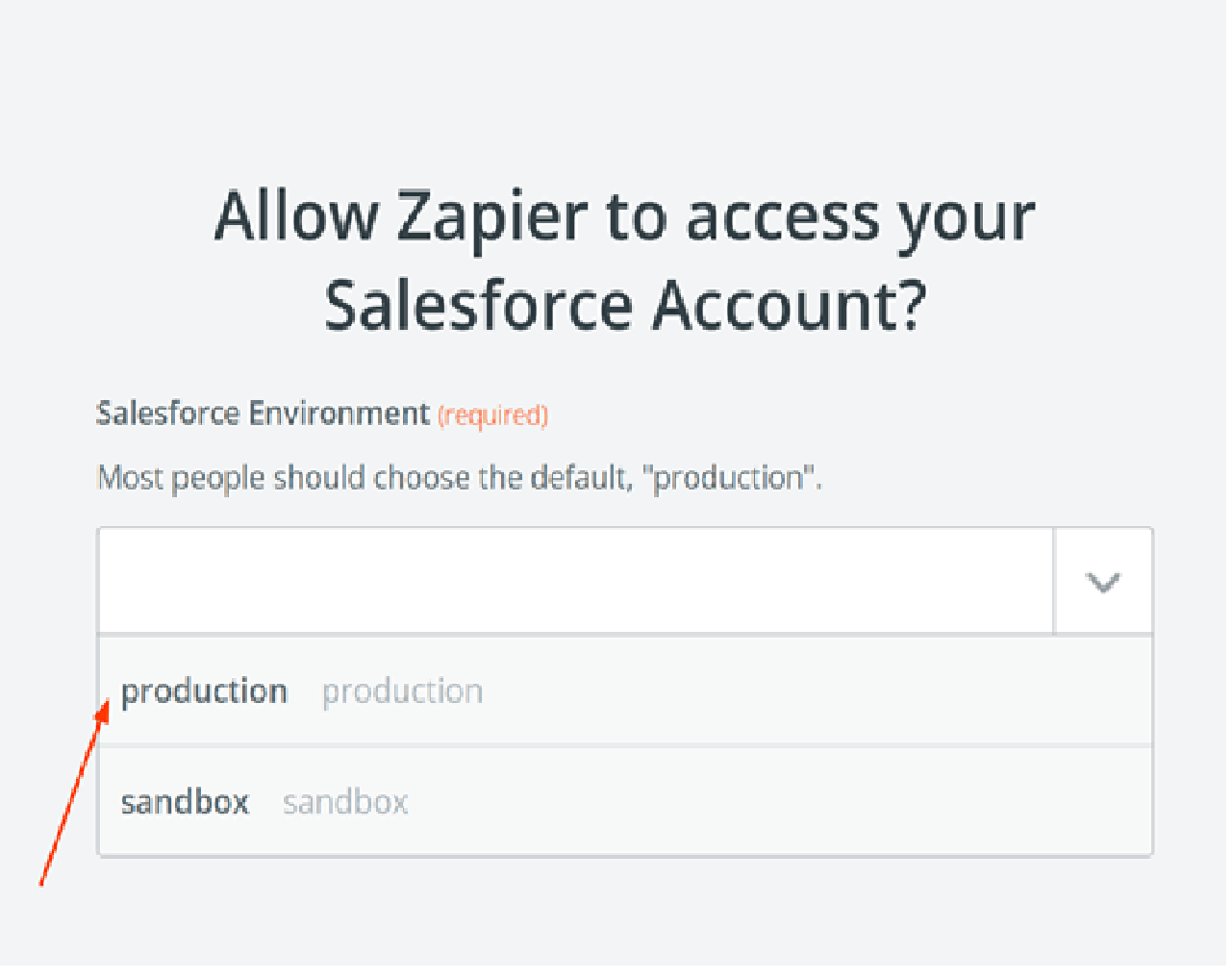
Select Salesforce environment
Choose whether to connect using your Production or Sandbox Salesforce environment.
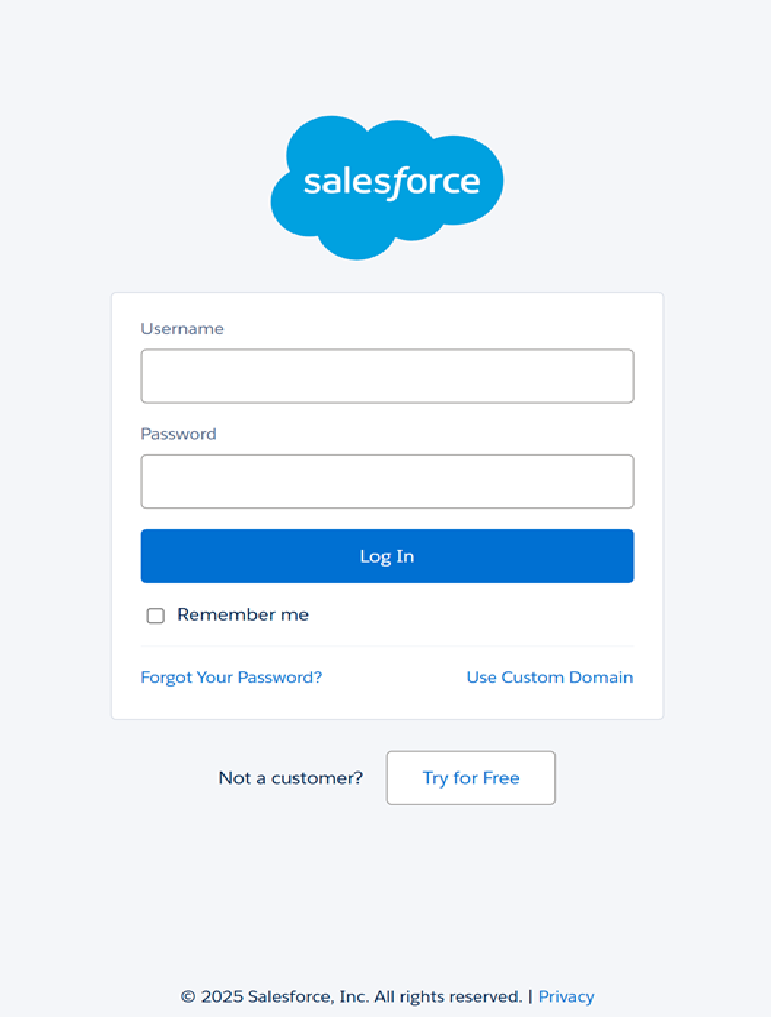
Log in to Salesforce
Enter your Salesforce username and password to securely authenticate your account.
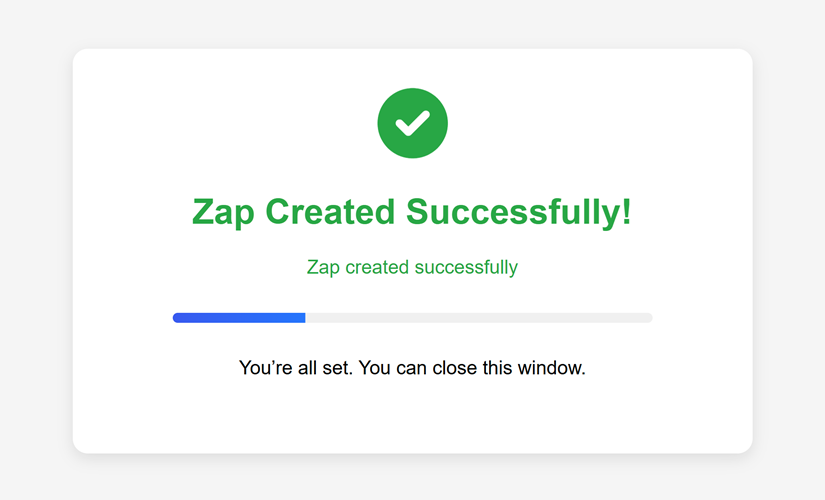
Zap created successfully
Once authenticated, the Zap will be created in your account and ready to validate Salesforce contacts in real time.