
Keap Integration
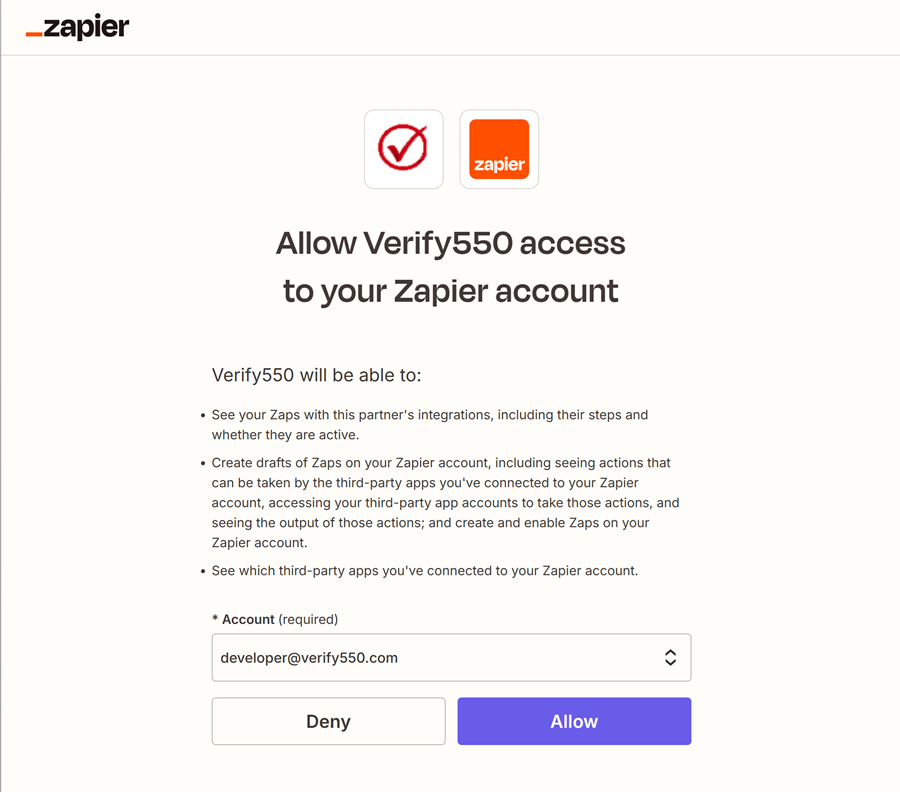
Authorize the integration
Allow Verify550 to securely connect with your Zapier account so Keap can trigger email verifications.
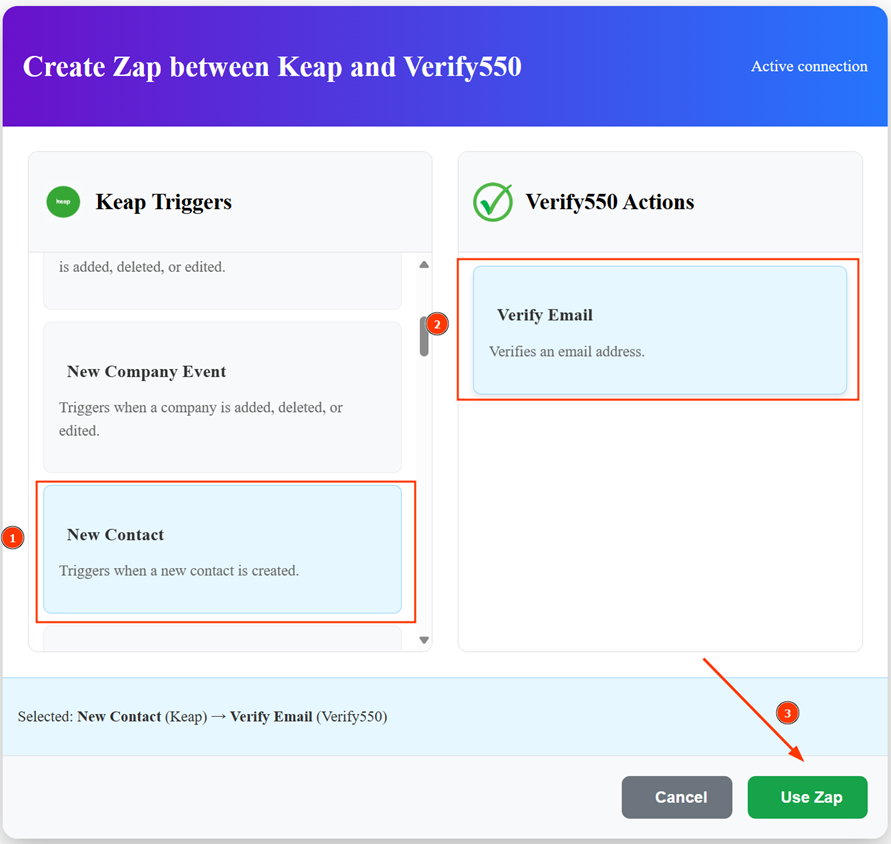
Set up the Zap
Choose a Keap trigger (e.g., New Contact) and link it with the Verify550 action (Verify Email).
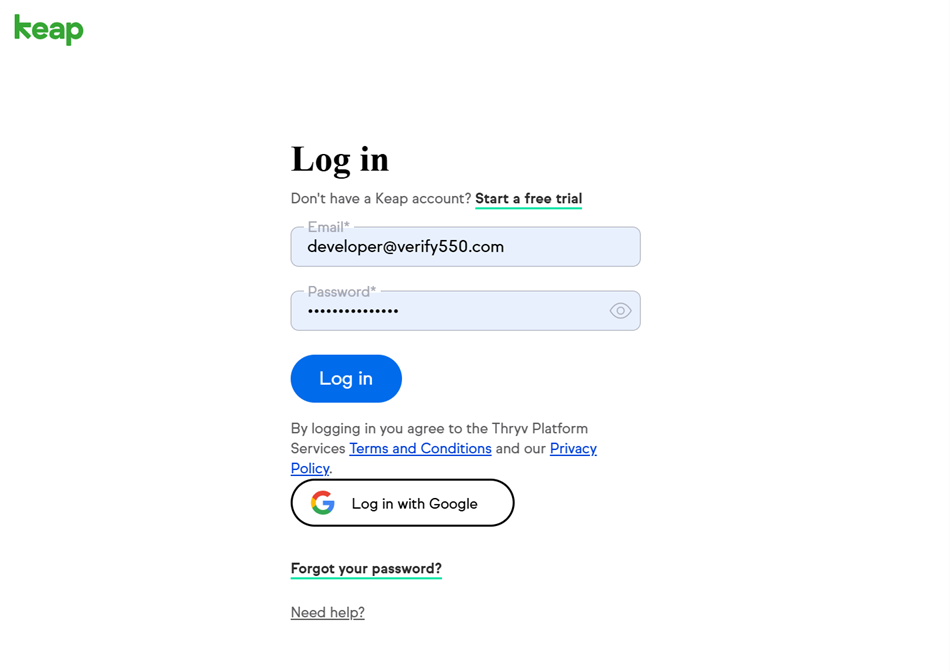
Connect your Keap account
Complete the OAuth authentication flow to ensure Zapier can interact with your account data in Keap.
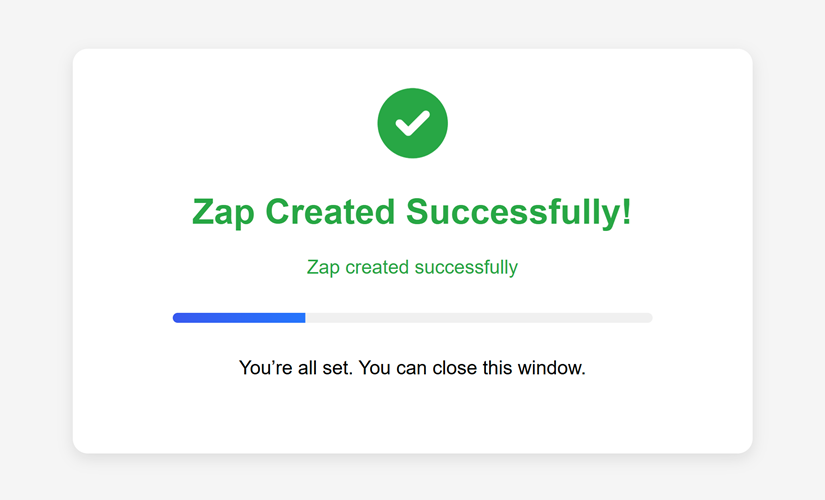
Zap created successfully
Once authenticated, the Zap will be created and ready to validate new Keap contact emails automatically.