
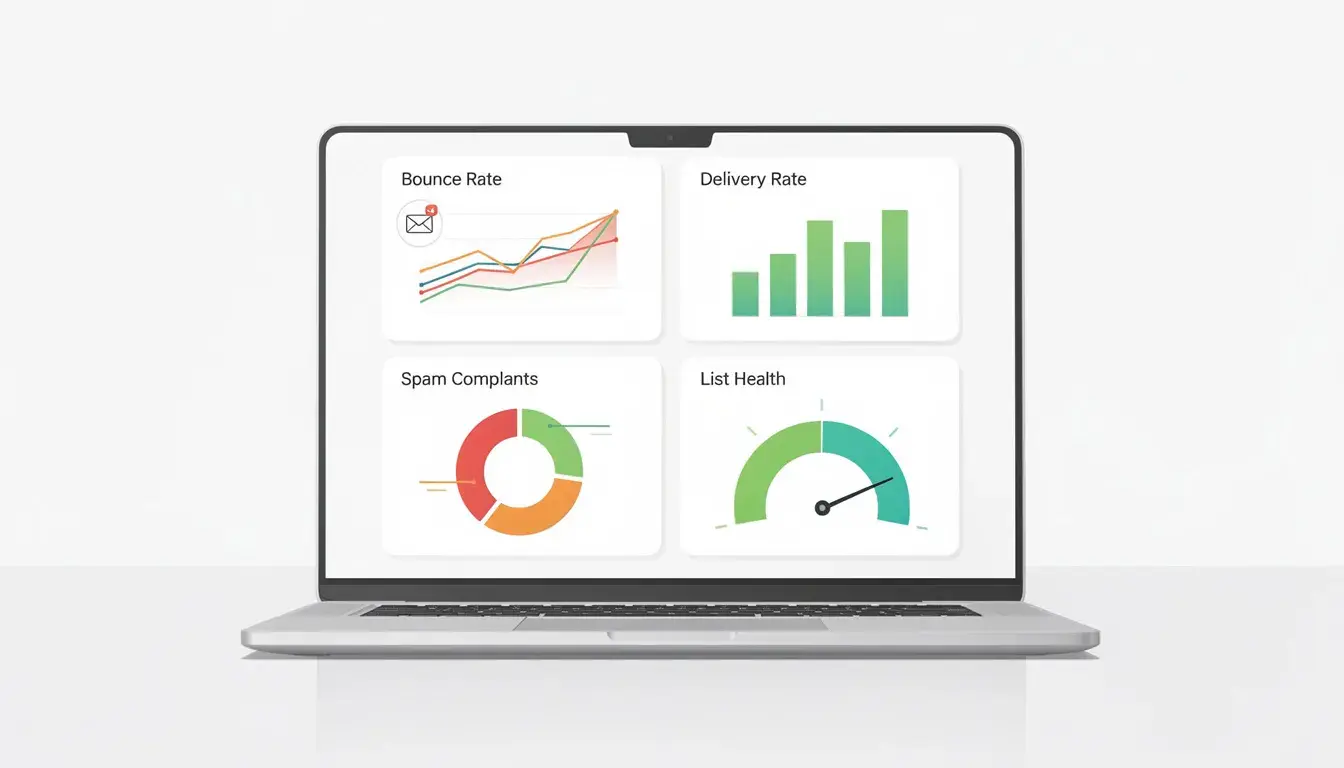
You send a campaign, hit publish, and expect results. Instead, your bounce rate climbs, and your numbers fall apart. It happens fast, and it usually feels confusing.
The good news is this. You can fix it.
Email bounces are not random. They come from specific issues like bad list data, weak sender setup, or sending patterns that trigger filters. In this guide, we will walk through the process step by step so you can find the real cause, fix it properly, and get your deliverability back on track.
Start With What Your Email Campaigns Are Telling You
When you see a high bounce rate on your email campaigns, do not start changing random settings. First, we need to read the pattern and identify what kind of failure you are dealing with.
Separate Hard Bounces From Soft Bounces
Start by separating hard and soft bounces. This is the first filter, and it saves you a lot of time.
A hard bounce usually points to permanent failures. That often means an invalid email address or a block caused by invalid or inactive addresses in your list. It can also happen when old records turn into inactive accounts, and nobody removes them.
A soft bounce is different. In most cases, a soft bounce means the address may still work, but something temporary got in the way. Common examples are a full recipient’s inbox, a busy recipient’s server, or a mailbox that is temporarily unavailable.
If you mix these together, you will make the wrong fix. We want to suppress true hard failures fast, then troubleshoot temporary issues with a calmer approach.
Read SMTP Error Codes Before Changing Anything
Your email service provider usually stores the raw error for every bounced email. That is where the real answer lives.
Do not rely only on labels like “failed” or “deferred.” Open the non-delivery report and read the exact code and server response. This tells you the real reasons emails bounce, not a vague dashboard summary.
Focus on the response from the receiving email server. Different mail servers use different wording, but they usually tell you whether the issue is a policy block, a temporary limit, or a permanent rejection.
This is how you stop guessing. Once you read the code, you can fix the right problem and move toward successful delivery to the intended recipient much faster.
Fix The Trust Signals Mailbox Providers Check First
Once you know the bounce type, the next job is trust. If mailbox providers do not trust your setup, your email deliverability will suffer even when your list looks clean.
This is also where a low bounce rate starts to become sustainable, because a strong technical setup protects your sender reputation over time.
Lock In SPF, DKIM, And DMARC Alignment
Start with SPF, DKIM, and DMARC. These are the basic checks that prove your mail is allowed to come from your brand.
If you are sending email marketing from free sender domains, you make this harder on yourself right away. Providers want to see a clear, verified sending identity, not a random mailbox that looks easy to spoof.
You also need alignment, not just records that exist. Your visible From address should match the authenticated identity used by DKIM and DMARC. If those pieces do not line up, mailbox systems can reject the message before it even reaches filtering.
This matters even more for providers like Gmail, which look closely at authentication and consistency. A properly configured email server gives providers a clean trust signal before they judge anything else.
Clean Up DNS, TLS, And Unsubscribe Requirements
Now check the rest of the setup that supports delivery. Small DNS and transport issues can block mail before spam filters even look at your email content.
Make sure your forward and reverse DNS records are correct, and confirm TLS is working during sending. If that handshake fails, some providers will defer or reject mail even when your authentication is fine.
For every marketing email, include a visible unsubscribe link and support one-click unsubscribe where your platform allows it. This is not just a compliance detail. It lowers complaints and helps providers trust that you are sending wanted mail.
Also, do not use your own inbox as the only test. A message can appear there and still fail elsewhere. Test across multiple providers and review the logs so you know what is actually happening in the wild.
Clean Up Email Addresses Before You Send Again
Before you change the volume, fix the data. A weak subscriber list can keep bounce problems coming back.
Remove Invalid, Risky, And Unengaged Addresses
Start by removing bad records. You want valid contacts, not old entries that have not worked.
Keep the list clean by suppressing any record that hard bounces. If the same record soft bounces several times, pause it and review the cause before you send again.
Then split your active list from people who never open or click. Low activity does not always cause a bounce, but it has a negative impact on reputation and can make future emails harder to place.
Review old imports and typo-heavy entries too. A few bad records can hurt a campaign fast.
Use Double Opt In To Fix How Contacts Enter Your List
Most list problems start at the signup form, not in your sending tool. If the form is loose, bad records slip in.
Use double opt-in on your website so new subscribers confirm the address before joining. That one step filters mistakes, bots, and fake entries before anything gets delivered.
Keep signup short. If people need to fill too many fields, they rush and make errors. Ask for the basics, then earn trust with relevant content that improves click-throughs.
Check Your Sending Setup For Hidden Breaks
A clean list helps, but setup problems can still cause bounces. This is where we check the parts your platform handles behind the scenes.
Start inside your ESP settings and verify each sending stream. Marketing and transactional mail should not share every setting by default.
Check your tracking domain, return-path domain, DKIM selector, and bounce domain. One mismatch can break alignment and trigger rejections even when the message looks fine.
Use a test email account on a different provider to confirm links, headers, and authentication are working together. Then compare the logs to see what was accepted and what was deferred.
Next, check the infrastructure that carries the message. Shared IPs, brand-new IPs, and sudden volume spikes can all trigger temporary blocks.
If a server response points to the recipient’s mailbox provider or rate limits, slow down and warm up volume in stages. Do not push full volume while errors are still rising.
Read each bounce line carefully. The code will usually tell you if the issue is temporary or a permanent reason that needs a direct fix.
Tighten The Email Itself So It Looks Legit
Even with setup, the message itself can still cause trouble. If your email looks inconsistent or misleading, filters will hesitate before it gets delivered.
Start with the basics. Make sure your From name, Reply-To, and links all match your domain and brand. Mixed identities look suspicious and can trigger blocks.
Keep subject lines clear and honest. If the subject promises one thing and the body says another, trust drops fast. Your message should feel like a useful post, not a bait-and-switch.
Add relevant content early. Put the most valuable information near the top so the reader and filter see a clear purpose.
Send what people signed up for, at the pace they expect. When frequency jumps without warning, complaints rise, and trust falls.
Watch email engagement after each send. Low opens, weak replies, and sharp drops usually mean the message missed the mark. Make a note, adjust, and keep the experience consistent for each user.
Stabilize Volume And Rebuild Reputation Gradually
Recovery is a pacing problem as much as a setup problem. If you rush back to full volume, providers may treat you like a risky sender again.
Start with your most engaged segment. Send to people who opened or clicked recently, then increase volume in steady steps over several sends.
Do not dump your full email list into the first recovery round. A sudden spike can look suspicious, even when your setup is correct.
Track delivery, complaints, and delays after each batch. If numbers stay stable, keep scaling. If they slip, pause and fix the issue before the next jump.
As you recover, sort contacts by recent activity and keep weaker segments on hold. This protects your strongest audience while you rebuild trust.
Review and list regularly so stale records do not sneak back in. If you create a new capture flow on your site, keep the double opt-in process turned on from day one.
Use Tools That Show You What Is Breaking
At this point, you have fixed the setup and cleaned the list. Now you need visibility so you can catch problems early and stop guessing next time.
Start with provider tools. Google Postmaster Tools can show spam rate, domain reputation, and authentication issues. That gives you a clear view of what Gmail sees when you send.
Yahoo’s complaint feedback can help you spot when people are marking your mail as spam. Microsoft’s sender guidance and delivery troubleshooting tools help you read blocks and policy errors faster.
Use list validation before large sends, especially when you import old contacts. Add DMARC reporting so you can monitor alignment and unauthorized sending.
Then use inbox testing or deliverability monitoring tools to track placement trends over time. The goal is simple. You want warning signs before bounce rates spike again.
The Bottom Line
A high bounce rate usually has a clear cause. You just need the right order to find it.
Start with bounce type, then fix trust signals, clean your list, check your sending setup, and tighten the message. After that, rebuild the volume slowly and keep monitoring.
If you follow that process, your results get more stable, and your troubleshooting gets much faster. If you need a hand, our email verification service can help you.